Known
The configured signup-entry click was observed in the generated fixture.

Monolytics Assistant
Monolytics is an AI-assisted session replay and product analytics platform. Its Assistant answers product questions with inspectable evidence and exposes missing data instead of guessing.
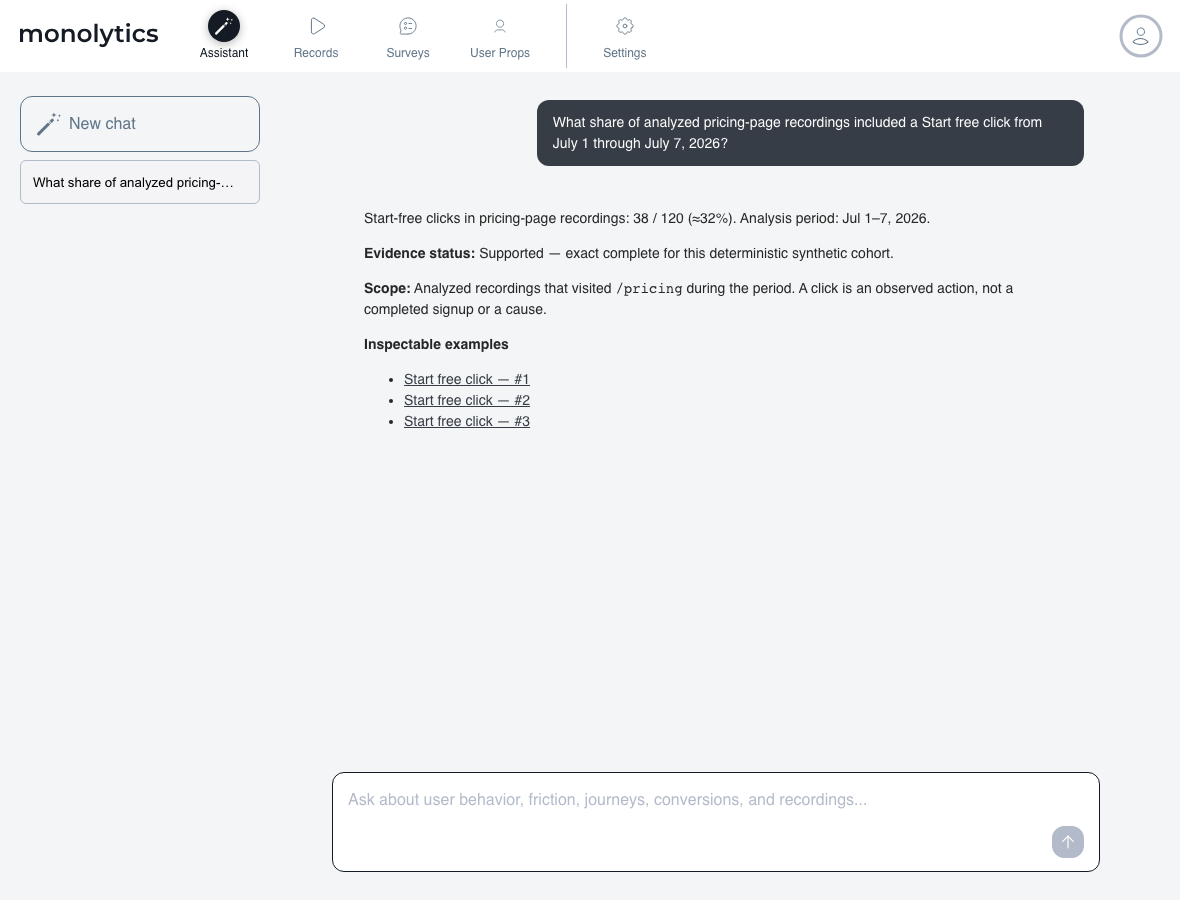
Deterministic synthetic product example: generated fixture data, not customer activity or a promised result.
Anatomy of a verified answer
Anatomy of an evidence gap
A useful partial answer keeps the nearest verified observation and states four things: what is known, what cannot be concluded, why, and the concrete event, property, Survey, or recording step that would close the gap. Missing evidence is never silently converted to zero.
Deterministic synthetic product example: an observed Free-plan signup-entry click is kept as a generated partial result, while completed signup remains unknown because the fixture contains no completion event. This is fixture data, not customer activity or a promised result.
Known
The configured signup-entry click was observed in the generated fixture.
Cannot conclude
Completed Free-plan signup cannot be calculated from that click.
Missing signal
Add and verify the configured signup-completion event before asking for a completion rate.
Question families
Assistant supports question families across acquisition, behavior and content, friction and reliability, configured conversion and funnels, usage and adoption, activation, retention, segmentation, trust, and data readiness. What an exact answer needs is a defined page, flow, event, segment, or outcome—and the instrumentation to observe it.
Not every question has an exact answer. When the required signal, identity, or window is missing, Assistant states the gap instead of guessing.
Finding sessions vs. answering questions
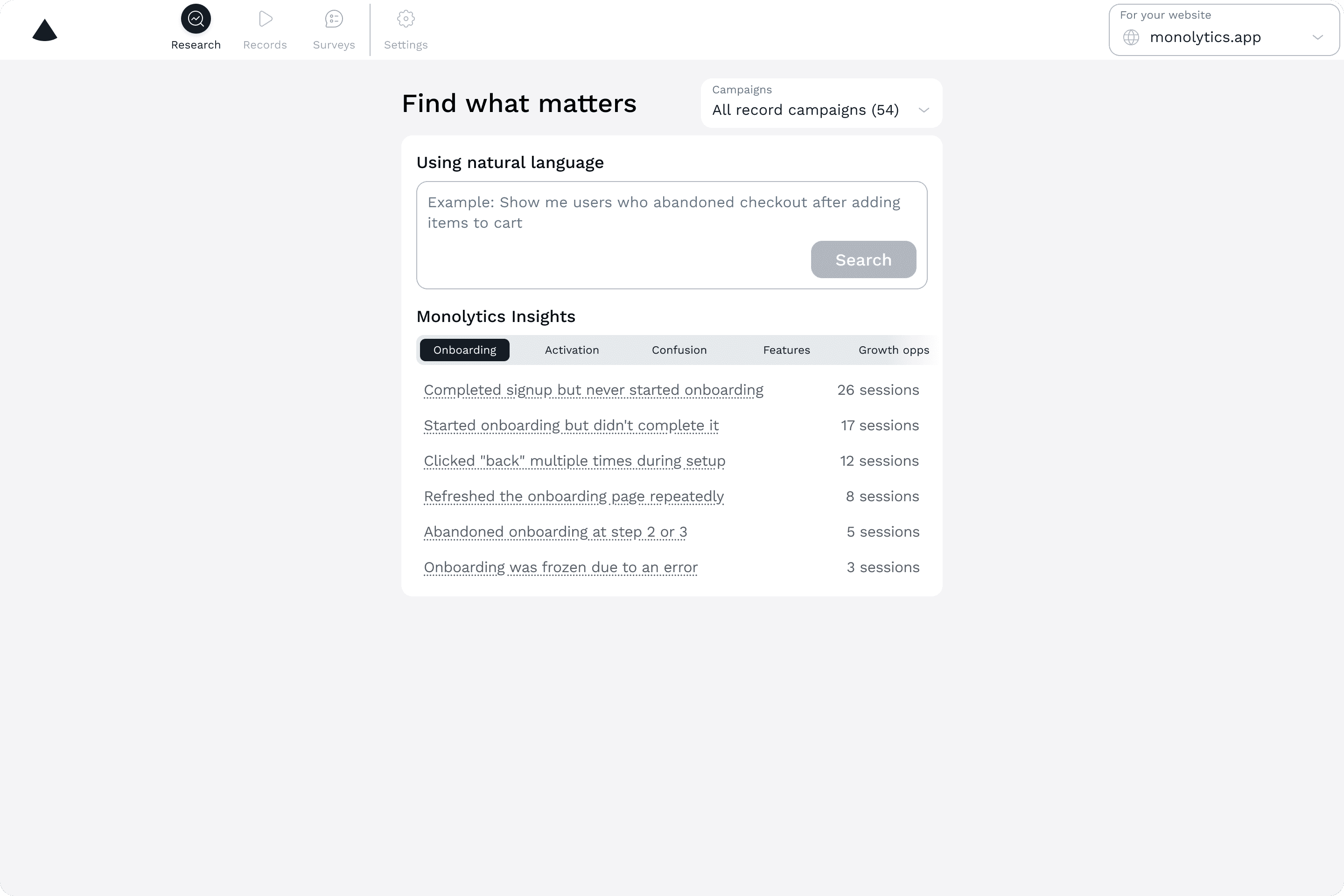
Verification and causal boundary
Data readiness
If the event or property behind your question is not instrumented yet, the setup guide shows how to add and verify it.
Define the signals behind your question, verify they are observed, and check whether an exact answer is supported yet.
Open the setup guide →Move from a product question to relevant sessions, repeated behavior, verification, and the next action.
Read the workflow →Separate an investigation lead from a repeated pattern or a supported finding before prioritization.
Review the matrix →Verify scope, representative sessions, competing explanations, and supporting signals before acting.
Use the checklist →Start free, ask about a specific flow, and verify the scope, sources, and stated limits before your team changes the product.
From the Monolytics blog
Use these guides to evaluate AI-surfaced issue candidates, rage clicks, ignored CTAs, and form drop-off without treating a replay pattern as proof of cause.
How to use AI-assisted replay analysis to surface likely issue patterns, verify representative sessions, and choose the next action.
Read on the blog →A practical gate for checking AI-surfaced replay findings before filing a bug, shipping a UX fix, or launching a survey.
Read on the blog →How to turn assistant-surfaced bug candidates into clearer triage notes with visible symptoms and representative sessions.
Read on the blog →A workflow for validating UX issue candidates with successful-session comparison and supporting signals.
Read on the blog →How to classify assistant-surfaced bug and UX candidates before deciding whether to fix, survey, instrument, or monitor.
Read on the blog →